Windows Patching and Security Hardening
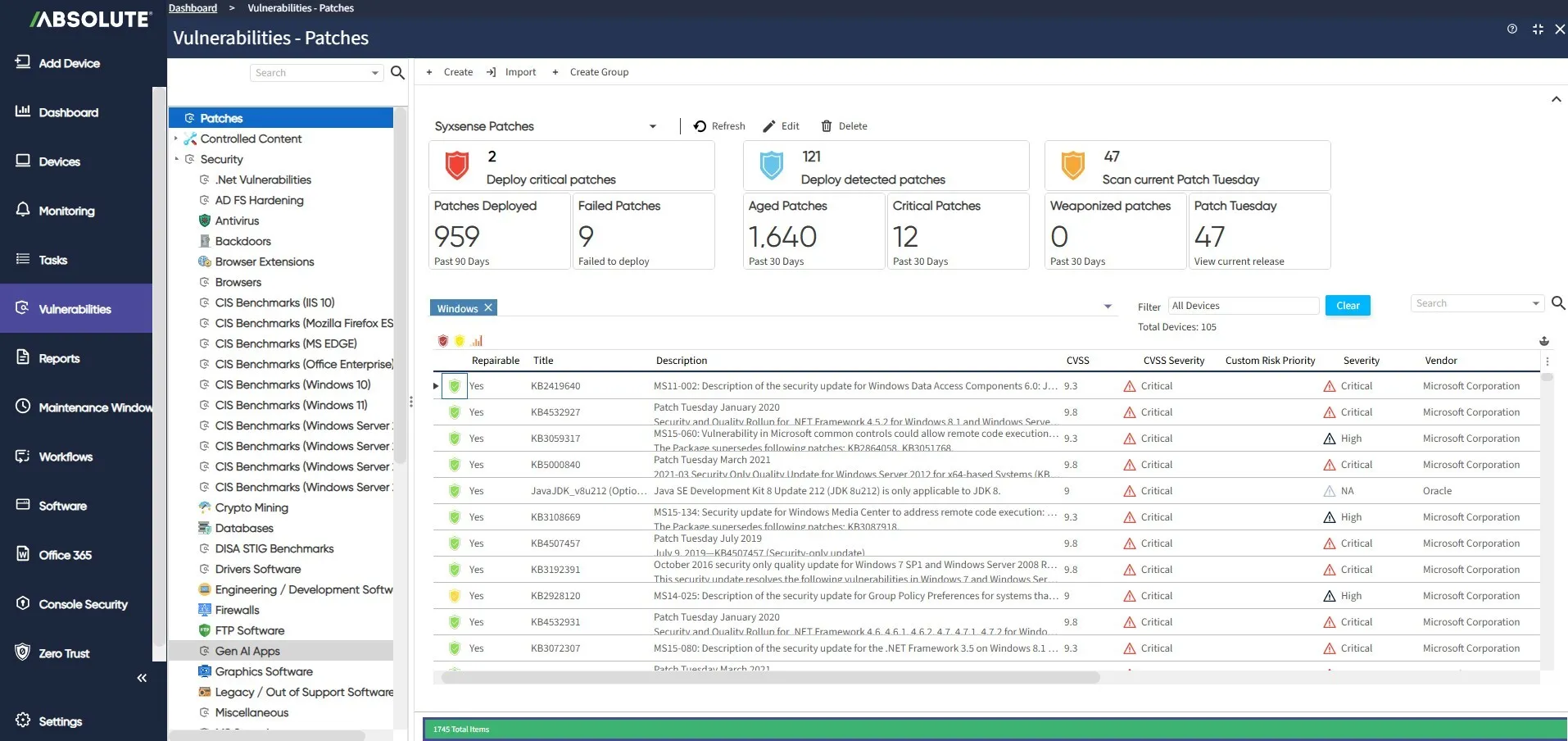



The problem
You’re not just chasing missing patches. You’re chasing disabled firewalls, weak access controls, and open ports too — and there’s rarely a clear sense of which vulnerability, patch or config, matters most right now.
The vulnerability that gets you is rarely the one you expected
Guess wrong on priority, and lost productivity follows — devices down, tickets piling up, teams scrambling. Outdated risk data, manual triage, and coverage gaps across the OS, misconfigurations, and third-party apps all compound the cost. And with AI now generating vulnerabilities at a volume no team can triage by hand, guessing wrong happens more, not less.

The patch management from Absolute has been flawless. Any time we have a concern, the response is immediate. We had zero incidents and that was because the solution is doing exactly what it was configured to do.
Expert vulnerability management, built in
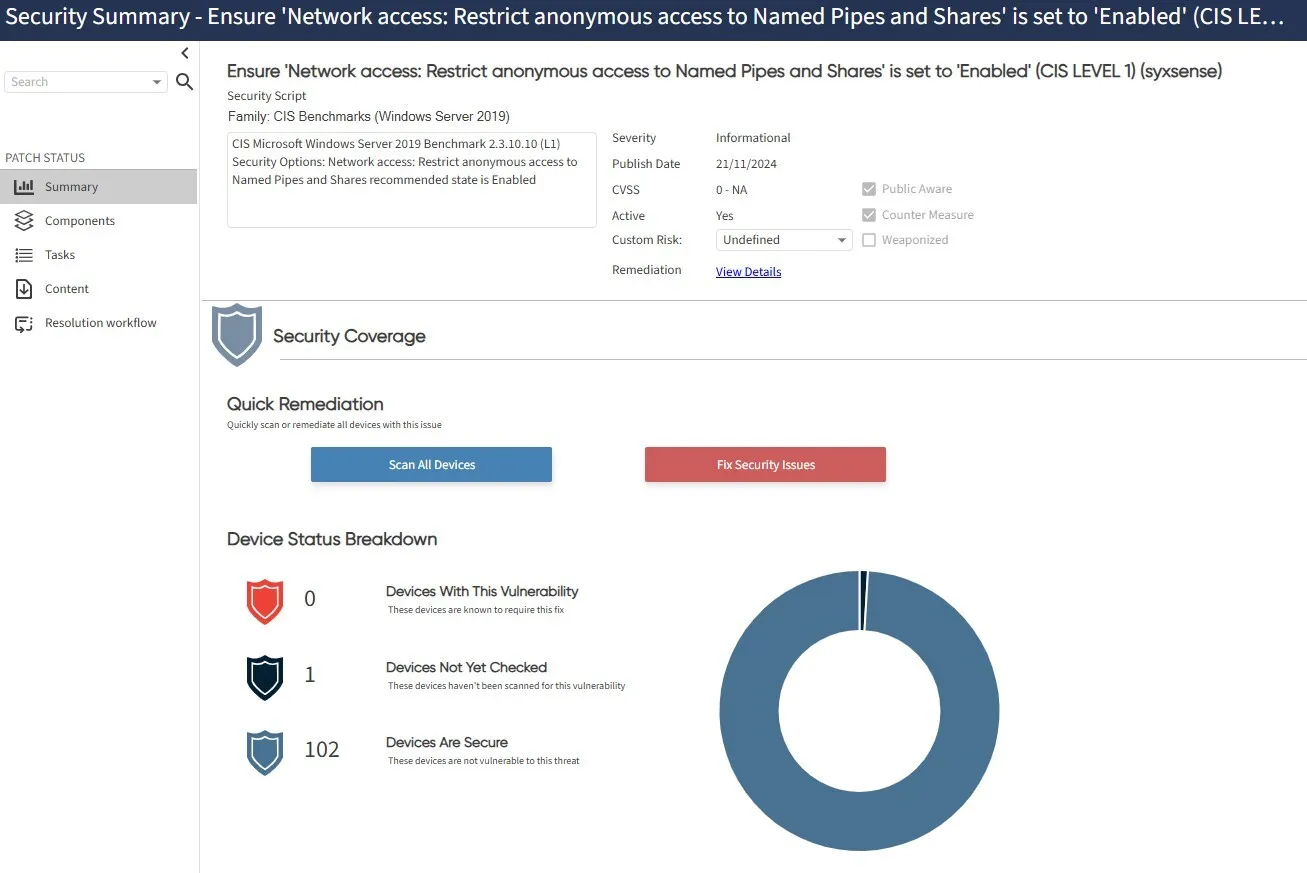
Absolute keeps every device visible and current, even off-network or with local security tools disabled — and catches offline devices up the moment they reconnect. It continuously pulls NIST and CISA KEV data to score risk by your own priorities, then acts through intelligent supersedence and five curated deployment profiles, from Fortress Mode’s caution to Zero-Day Shield’s immediate response — covering the OS, misconfigurations, and third-party apps together, often within hours of release.
Essential capabilities for Windows management
From Fortress Mode’s maximum caution to Zero-Day Shield’s immediate response — a proven strategy, not a blank policy.
Continuously pulls the latest criticality data from NIST and CISA KEV to know what matters right now.
Deploys the right patch in the right order automatically, without manual dependency-chasing.
Weight vulnerabilities by your own business priorities, not just a generic severity score.
Firewalls, access controls, and open ports are corrected alongside missing patches — one view, not two.
When a bad update takes a device down, autonomous root-cause diagnosis and firmware-level recovery bring it back — no manual rebuild, no shipping it back.
Full coverage across the Windows range — physical workstations, Windows Server, and virtualized instances, all in one console.
Ransomware is not a future threat. It is a present reality.
Ransomware operators aren't waiting for a patch window, and neither are the vulnerabilities they exploit. This guide covers what a resilient posture actually looks like when the attack is already underway.
- See why unpatched systems and misconfigurations remain the most common entry point.
- Learn what separates organizations that recover quickly from those that pay.
See What One Gap Can Cost
Patching fast risks breaking production. Patching slow risks exploitation. This article breaks that false choice down into four pillars, anticipate, withstand, recover, and adapt, so speed and caution stop being a trade-off you have to manage yourself.
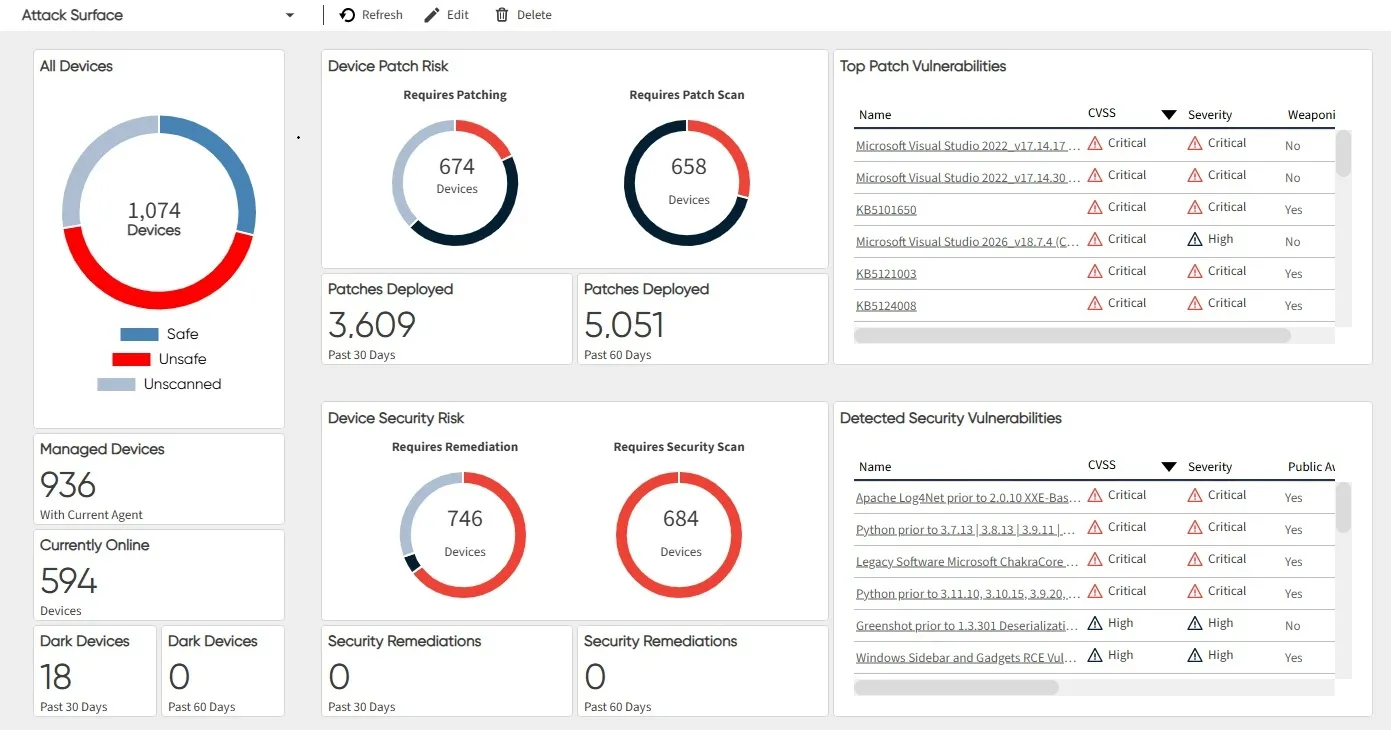
- See the breadth: Every misconfiguration and missing patch
- See the speed: Critical risks addressed in hours
- See the recovery: Firmware-level restoration

Go deeper on Windows patching and hardening
Windows Management FAQs
Both. The OS and third-party apps are patched together, on the same deployment profile, within hours of release.
Continuously pulled criticality data from NIST and CISA KEV, plus custom risk scoring, so the highest-actual-risk issue is addressed first — not just the highest CVSS score.
Five curated options — Fortress Mode, Guarded, Standard, Rapid Protect, and Zero-Day Shield — each balancing speed and caution differently, so you don’t have to design a rollout strategy from scratch.
Both. Disabled firewalls, weak access controls, and open ports are corrected alongside missing patches, in the same view.
Autonomous root-cause diagnosis and firmware-level recovery bring the device back — no manual rebuild, no shipping it back.
Yes. Intelligent supersedence is handled automatically, so the right patch deploys in the right order without manual dependency-chasing.
Yes. Workstations, Windows Server, and virtualized Windows instances are all managed through the same console, with the same patching and workflows.