Diagnose, Control, and Repair Any Device Remotely



The problem
Some devices need fixing. Others need protecting. But when a laptop is across the country, in a hotel room, or simply gone, it’s a recipe for support tickets, panicked phone calls, best-guessing, and the last resort: a shipping label.
Distance shouldn’t mean downtime
When a fix requires physical access, the cost isn’t the repair — it’s the days of lost productivity waiting on shipping and scheduling. And when a device goes missing, the clock runs differently: every hour it’s unaccounted for is an hour the data on it is exposed.

“It has everything we need and it’s user friendly. The ability to look at the whole list of devices — see what’s behind on updates, what’s not been online, what needs to be scanned — it’s been very helpful.”
One console. Fix it or protect it.
For devices you can reach: live remote control with multi-monitor support and clipboard sync, Console for PowerShell and command prompts, silent File Browser and Process Viewer, Event Viewer with CSV export, WMI Explorer, Remote Registry, and BitLocker recovery key retrieval. For devices you can’t: geofencing, remote freeze with custom messaging, selective file deletion, and NIST 800-88 certified end-of-life wipe. One console, plus an AI assistant to query it in plain language.
Essential capabilities for remote support and control
Take control with multi-monitor support and clipboard sync — see what the user sees, fix it while they watch or after hours.
Run PowerShell and command prompts directly on any managed device through Console, or use the dedicated remote PowerShell terminal.
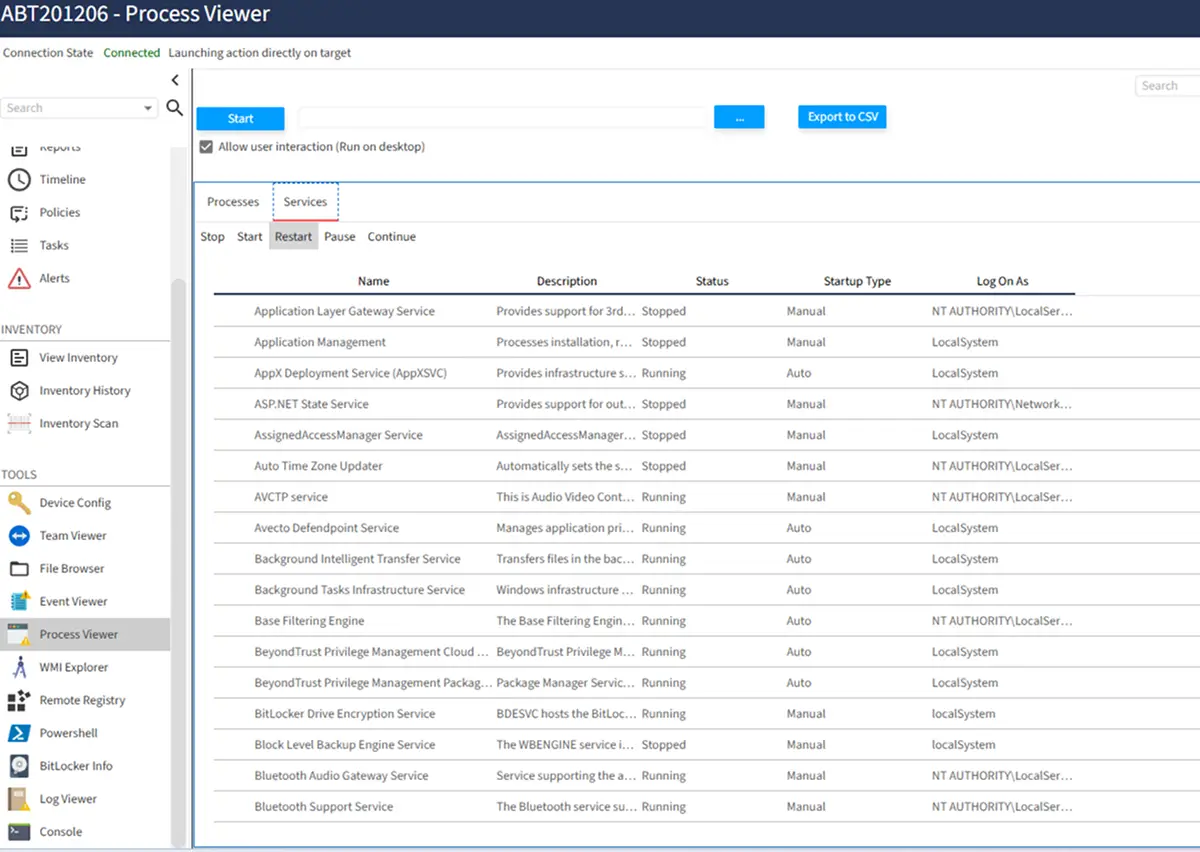
Start, terminate, stop, restart, or pause processes and services remotely — with full command line and resource visibility.
Browse files, inspect processes, traverse the registry, collect forensic data, and export Windows event logs to CSV — all without interrupting the user.
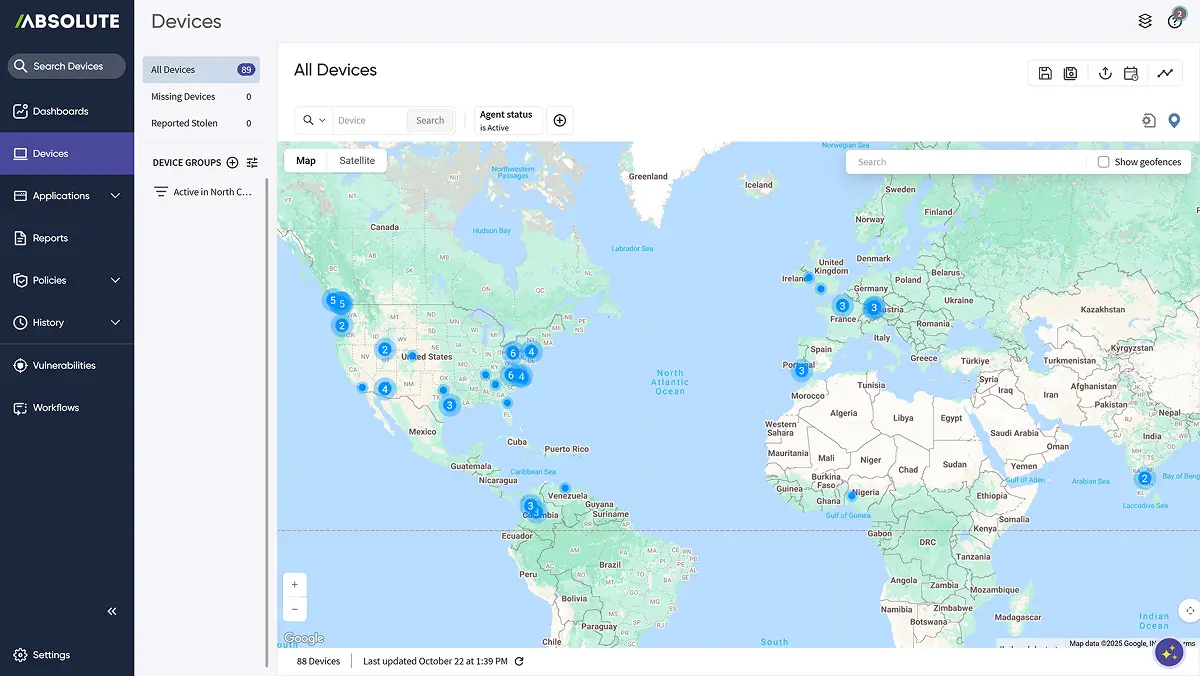
Geofence to detect unauthorized movement, remotely contain a compromised device, and freeze or wipe as needed.
Selectively delete files remotely, or perform an end-of-life wipe certified to NIST 800-88 with a compliance certificate.
Query endpoint, security, and compliance status across the fleet with the Absolute AI Assistant — no query syntax required.
Drag-and-drop workflow design enables surgical remediation of common problems — no scripting required.
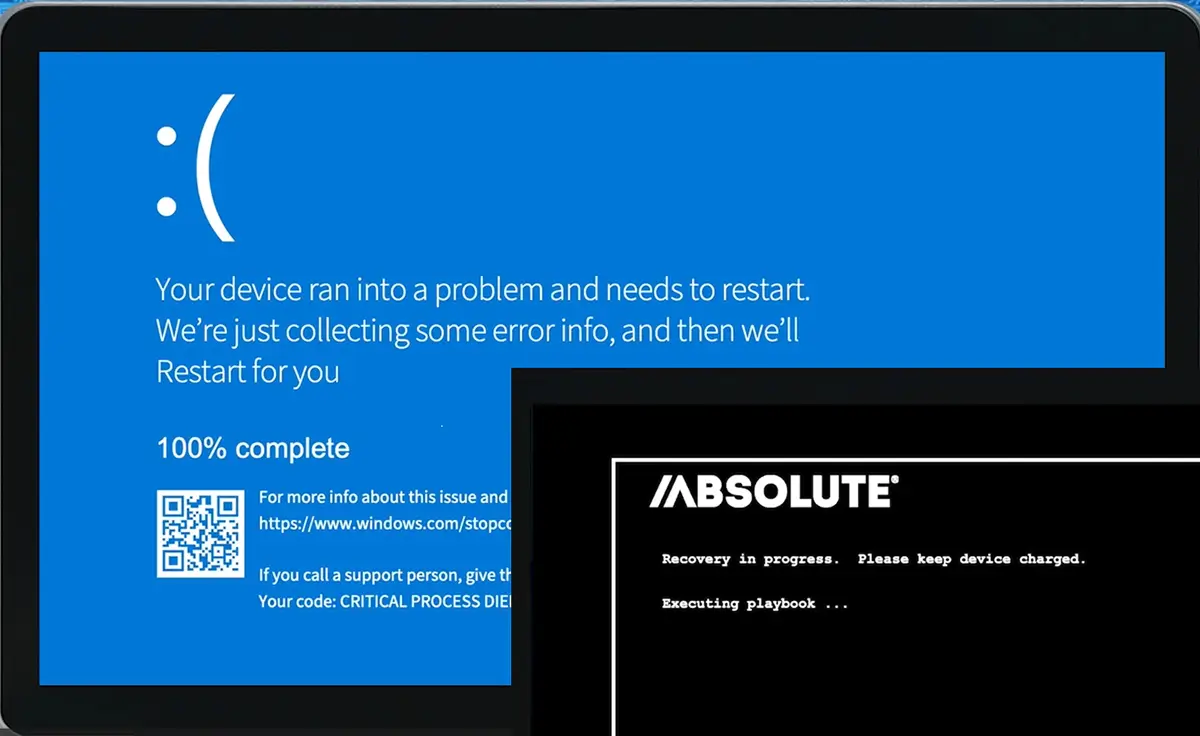
Restore a compromised or inoperable device from firmware, even when the OS won’t boot. No reimaging, no shipping it back.
From Remote Support to Recovery
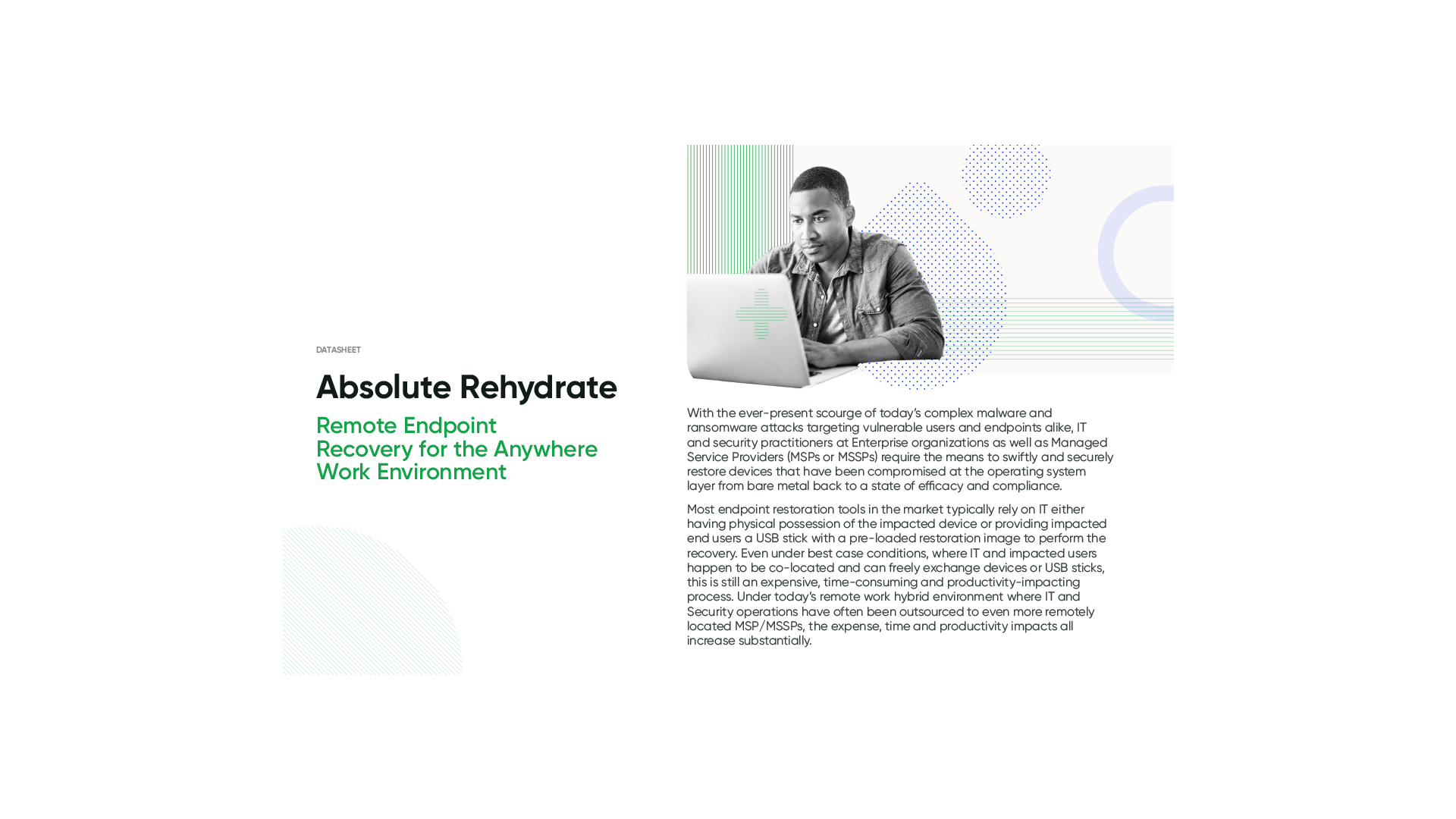
Support tools help IT identify and resolve issues remotely. But when endpoints become compromised or inoperable, organizations need a recovery strategy. Learn how Absolute Rehydrate extends endpoint resilience with firmware-based remote restoration.
- Recover compromised devices at scale.
- Enable restoration beyond the operating system.
Fix It or Protect It, From Anywhere
See the full toolset in action — from live remote control to certified data removal, all from one console.
- See the depth: PowerShell, process and service control, event logs, registry, and BitLocker keys.
- See it silent: Diagnose and fix without interrupting the user.
- See the safety net: Geofence, freeze, and certified wipe when a device can’t come back.

Go deeper on remote support and device security
Common questions about remote support and control
Take control with multi-monitor support and clipboard sync, run PowerShell and command prompts through Console, browse files, and manage processes and services.
Yes. File Browser, Process Viewer, Remote Registry, and Event Viewer all run silently — the user sees nothing unless you choose to make a process visible.
Yes. Start, stop, restart, pause, and resume services, launch or terminate processes, and export the full list to CSV.
Geofencing alerts you to unauthorized movement, remote freeze locks the device with a custom message, and selective file deletion or a certified wipe protects the data.
Yes — it’s performed in accordance with NIST 800-88 and produces a compliance certificate.
Yes. BitLocker Info shows the collected BitLocker state and the 48-digit recovery key needed to unlock the device.
Yes. On-device messaging displays in real time on the device screen, even when other communication tools are unavailable.